FA+ ID Verification Guide
Please log in to your Football Account
If you are verified, you do not have to do anything further.
Otherwise, this message will appear on your screen, please select which method you prefer to use:
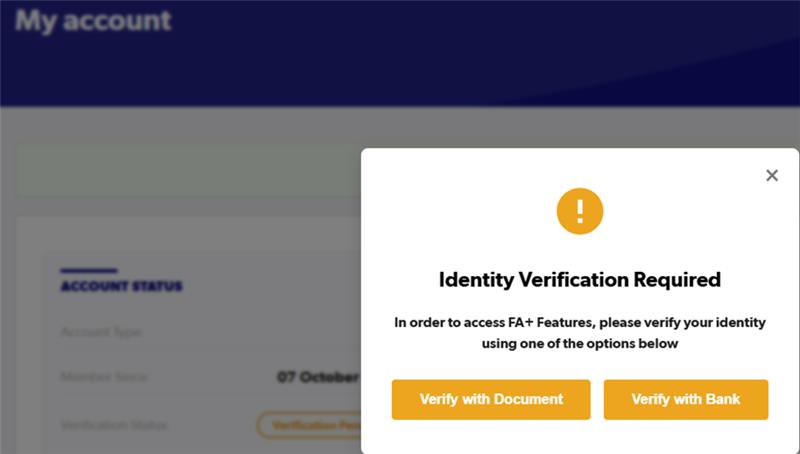
PLEASE NOTE: VERIFY WITH DOCUMENT MAY NOT BE AVAILABLE UNTIL MONDAY
Bank Verification:
Step 1
| 
| 
|
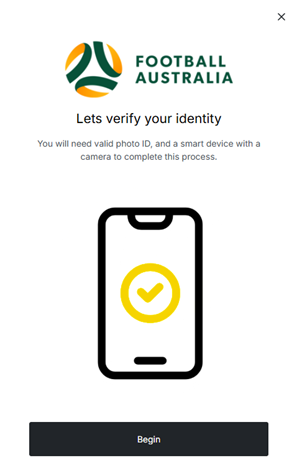
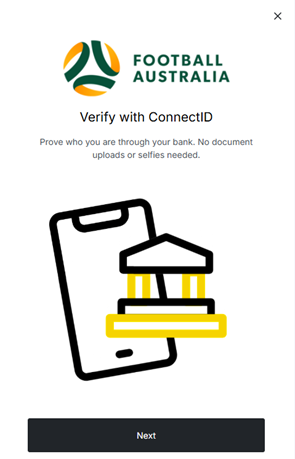
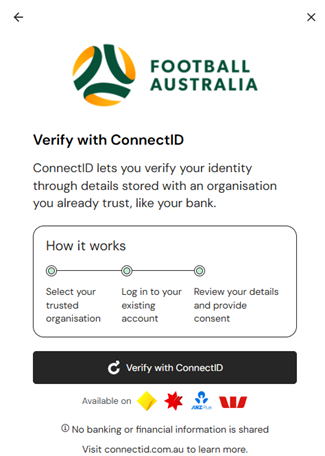
Select “BEGIN” and “NEXT” then “VERIFY WITH CONNECTID” buttons. Note: Westpac only available on mobile devices.
Step 2
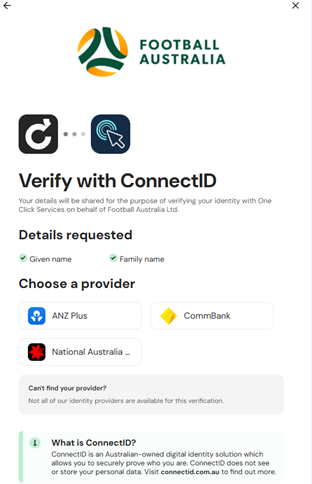
Choose your provider from CommBank, ANZ or NAB.
You will then be taken to your bank’s website, where you can securely log in.
Step 3
You will be shown what details will be shared from your bank with One Click
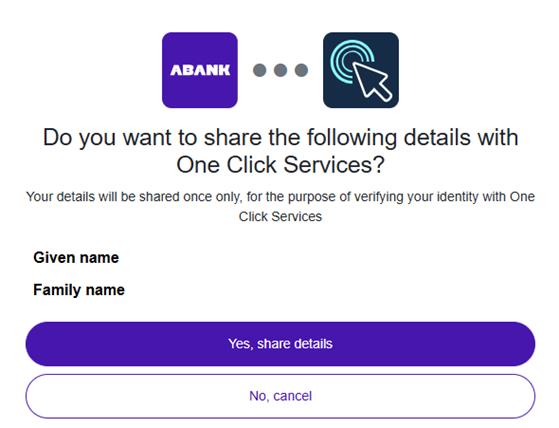
Please select “Yes, share details”
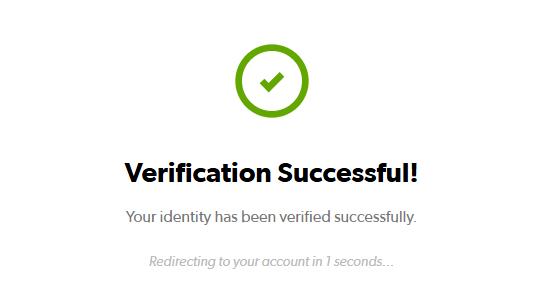
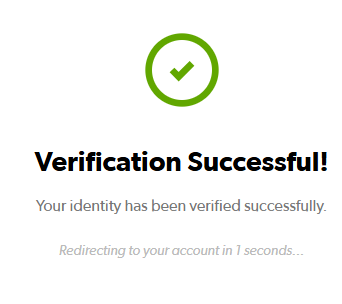
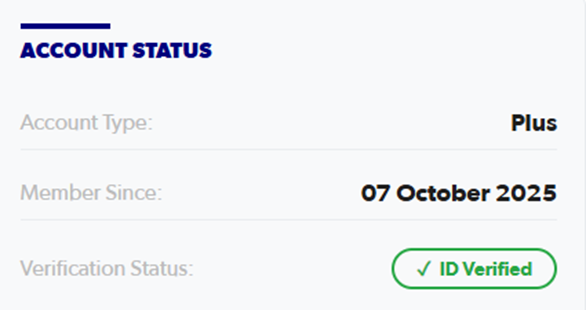
Your verification will be complete and your status will be updated:
| 
|
Document Verification:
Step 1
| 
|
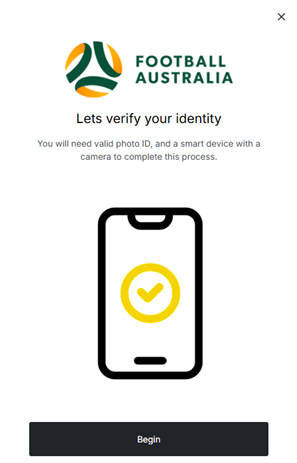
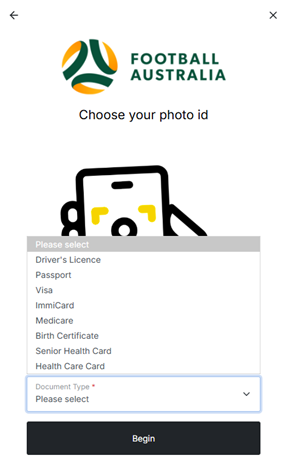
Select “BEGIN”, then choose your ID form from the dropdown list and “BEGIN”
Step 2
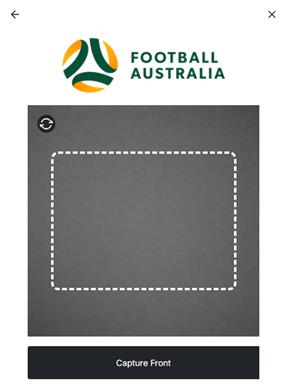
Capture the Front of your Document in the white square and select “Capture Front”. Keep or Retake as required.
Note: If you are having issues with your camera, you can switch to a mobile device by selecting the switch device icon in the Bottom Right Corner:

Step 3
Capture the Back of your Document if required. Keep or Retake as required.
Step 4
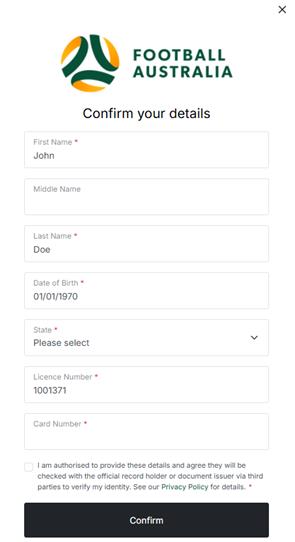
You can edit your details if required. Once they are correct, accept the authorisation box and select “CONFIRM”
After verification, you will see this message: